Discover.
Visualize. Shop.
Explore AI-generated design possibilities, visualize your ideas, and discover products to bring the look to life.
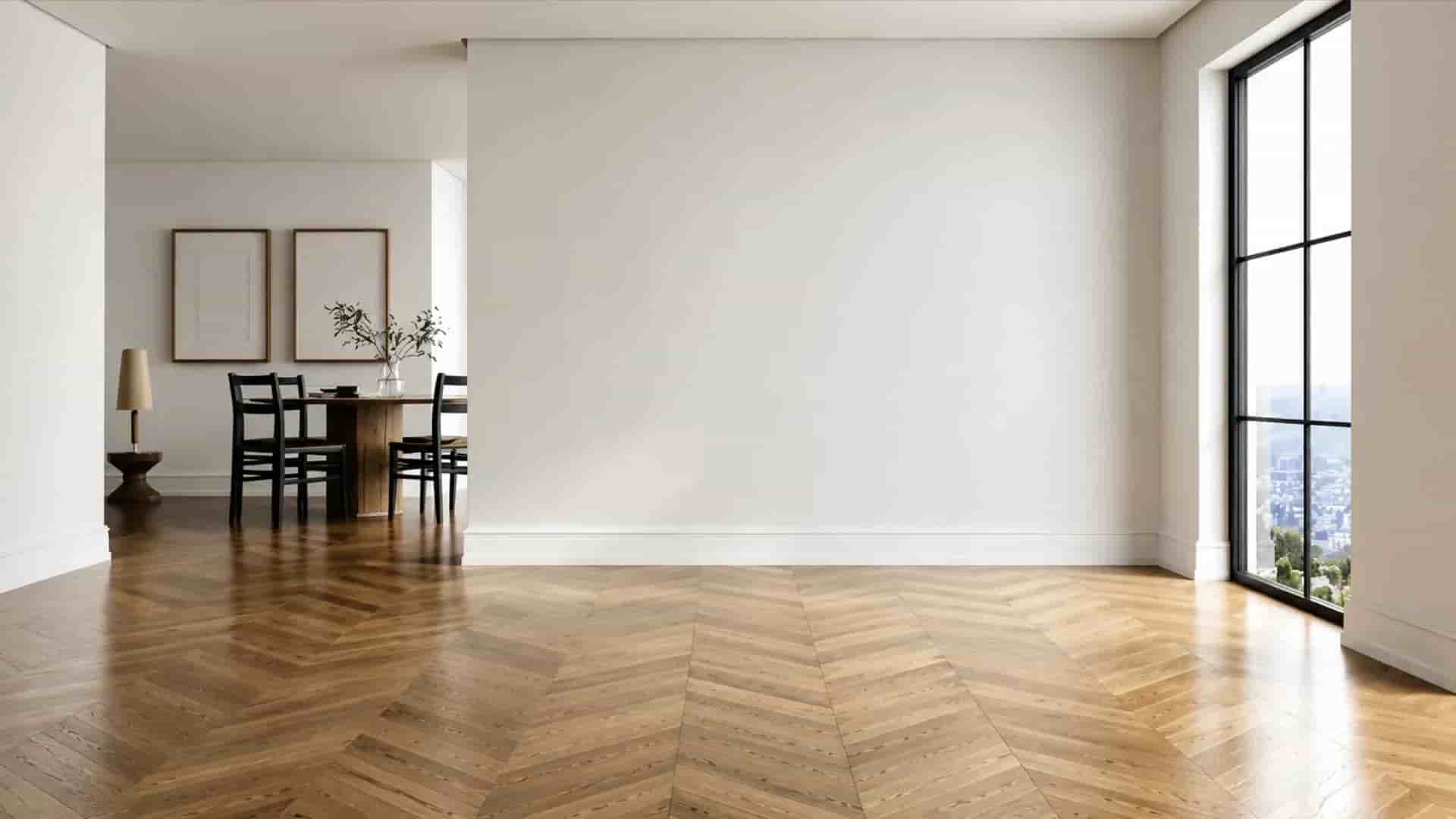
3 Modes. Infinite Possibilities.
Create, transform and reimagine spaces with AI. Choose the mode that fits your vision and explore countless design possibilities.
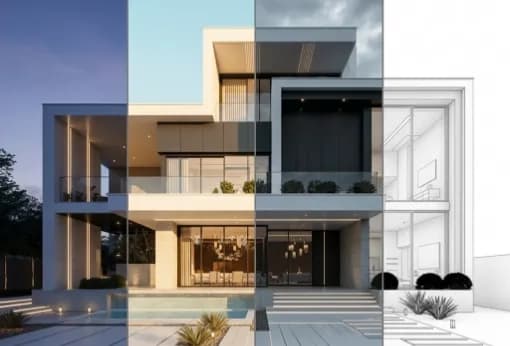
Redesign
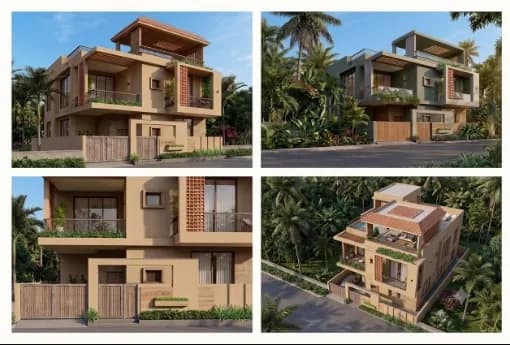
Turn designs into professional visualizations. Transform sketches, models and design references into realistic visual presentations while staying connected to your original design intent.
Render
Explore variations without starting over. Change materials, colours, furniture, finishes, styles and more while retaining the structure and character of your design.
Reimagine
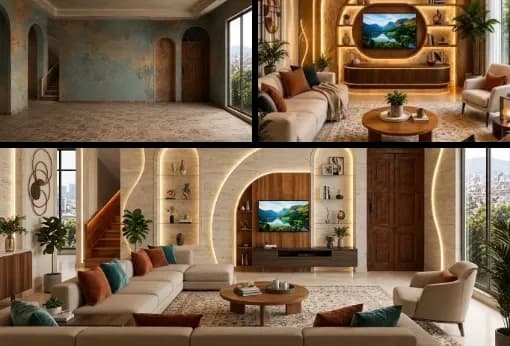
Take your ideas in entirely new directions. Experiment with new styles, products, concepts and possibilities to discover what your space could become.
AI Vision Tools
One Platform. Every Stage of Visual Design.
Create, transform, visualize and refine architectural and design concepts with AI - from sketches and models to finished visual renders.
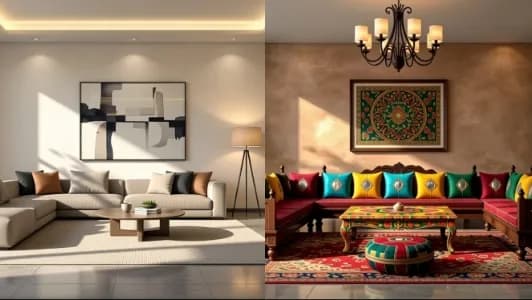
AI Interior Design
1Create realistic interiors from templates or your own space with AI-powered design.
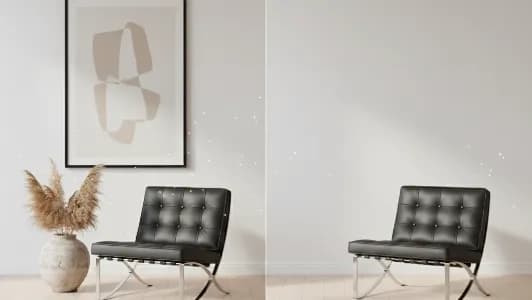
AI Prompt/Edit
1Precisely transform any building or space with AI prompts while preserving its design.
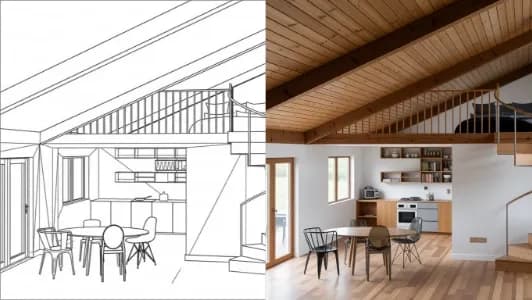
Sketch To Image
1Turn hand-drawn or digital sketches into realistic, presentation-ready visualizations.
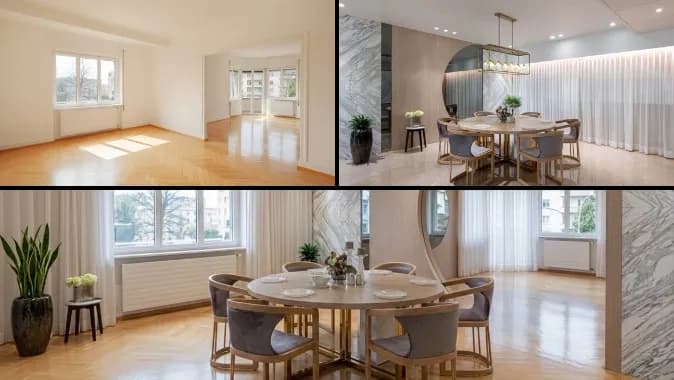
AI Style Transfer
1Apply a design reference's style, colours and textures to your space without changing its structure.
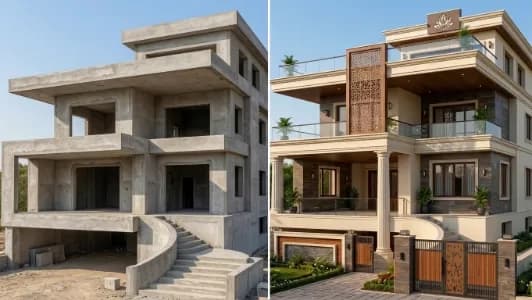
AI Exterior Design
1Reimagine facades, materials and outdoor spaces with realistic AI exterior design.
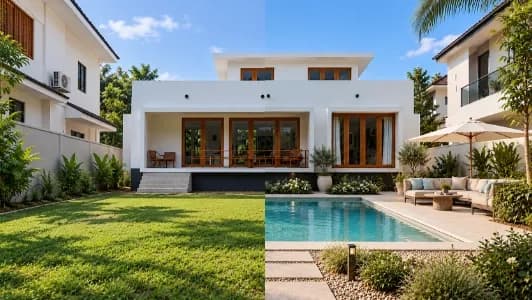
AI Landscape Design
1Create realistic landscape designs for courtyards, frontyards and backyards with AI.
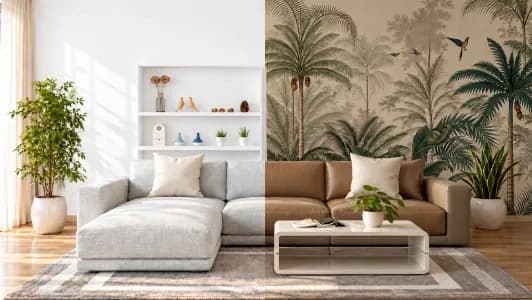
AI Product Application
1Visualize products in your space with precise placement, realistic AI and editing.
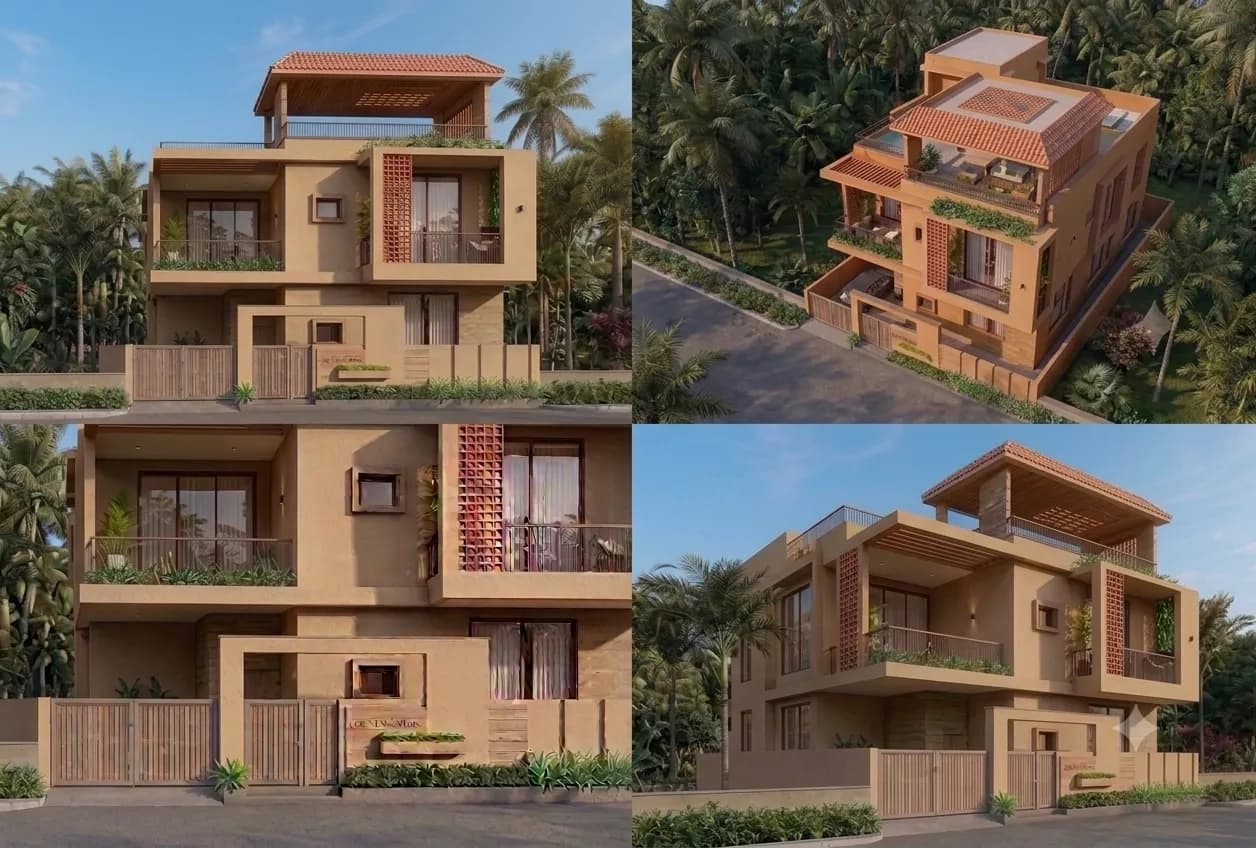
AI Multi-Angle Image
1Generate realistic multi-angle views from a single image using AI.
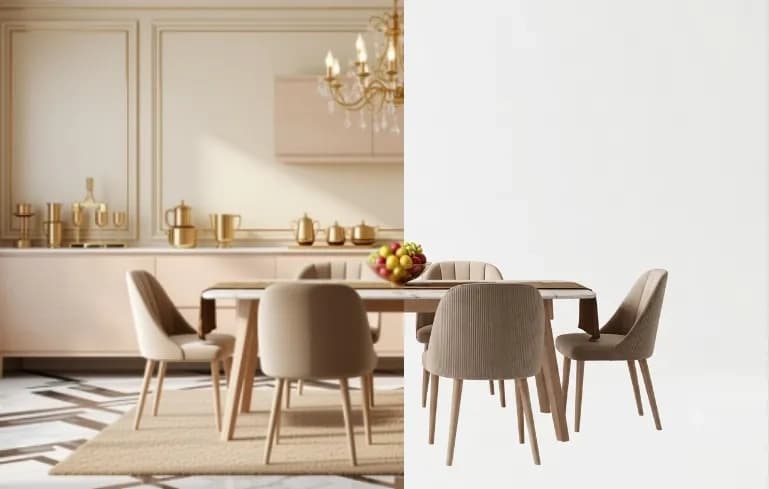
AI Background Removal
1Remove image backgrounds automatically using AI for clean, professional visuals.
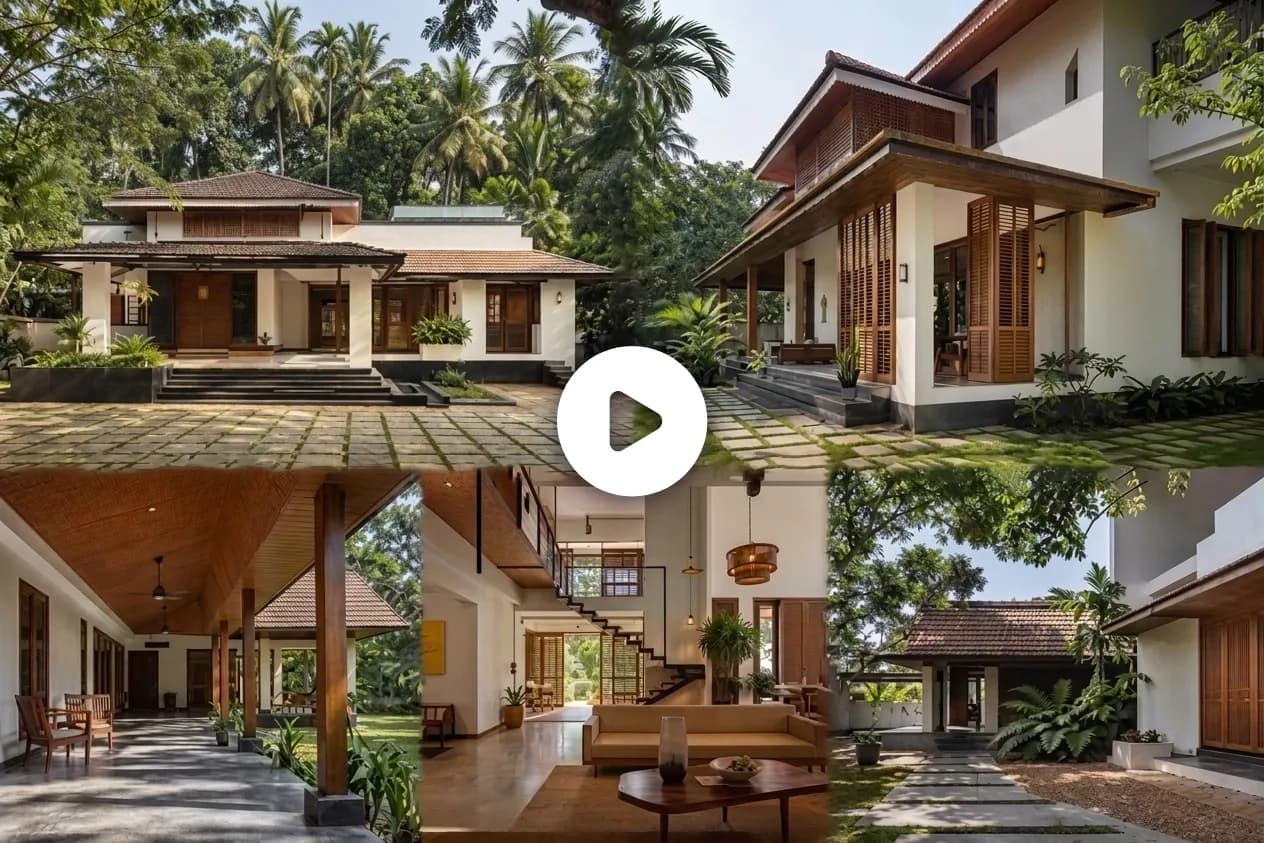
AI Image to Video
1Turn your images into engaging videos with AI-powered motion and animation.
From Inspiration to Execution
Start with an idea. Shape it with AI. Visualize the result. Discover what can bring it to life.

Upload
Start with your design. Upload a sketch, photograph, facade, model or other visual reference.
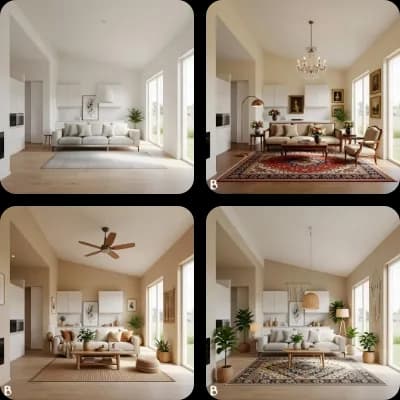
Customize
Define your intent. Specify the space, style, materials, design direction and instructions.
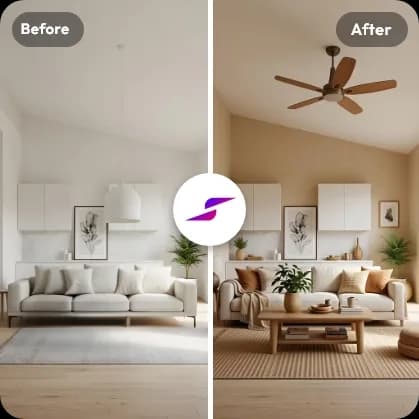
Generate
Explore possibilities. Create high-quality visual variations in seconds while staying connected to the original design intent.
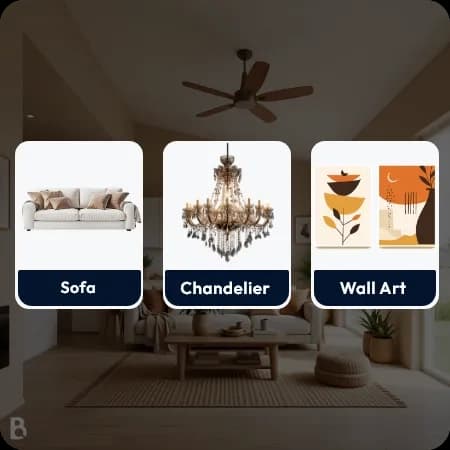
Discover & Shop
Move from visualization to specification. Discover and shop real products from brands and dealers on BuildingWorld that can help bring your visualized design to life.
Introducing StudioWorld
The AI Platform for
Professional Design & Visualization
StudioWorld brings AI-powered visualization into the professional design workflow - helping architects, interior designers and built-environment professionals explore ideas faster, communicate design intent clearly and create compelling visual presentations. From inspiration and concept exploration to visualization and product discovery, StudioWorld connects the creative process with the BuildingWorld ecosystem.
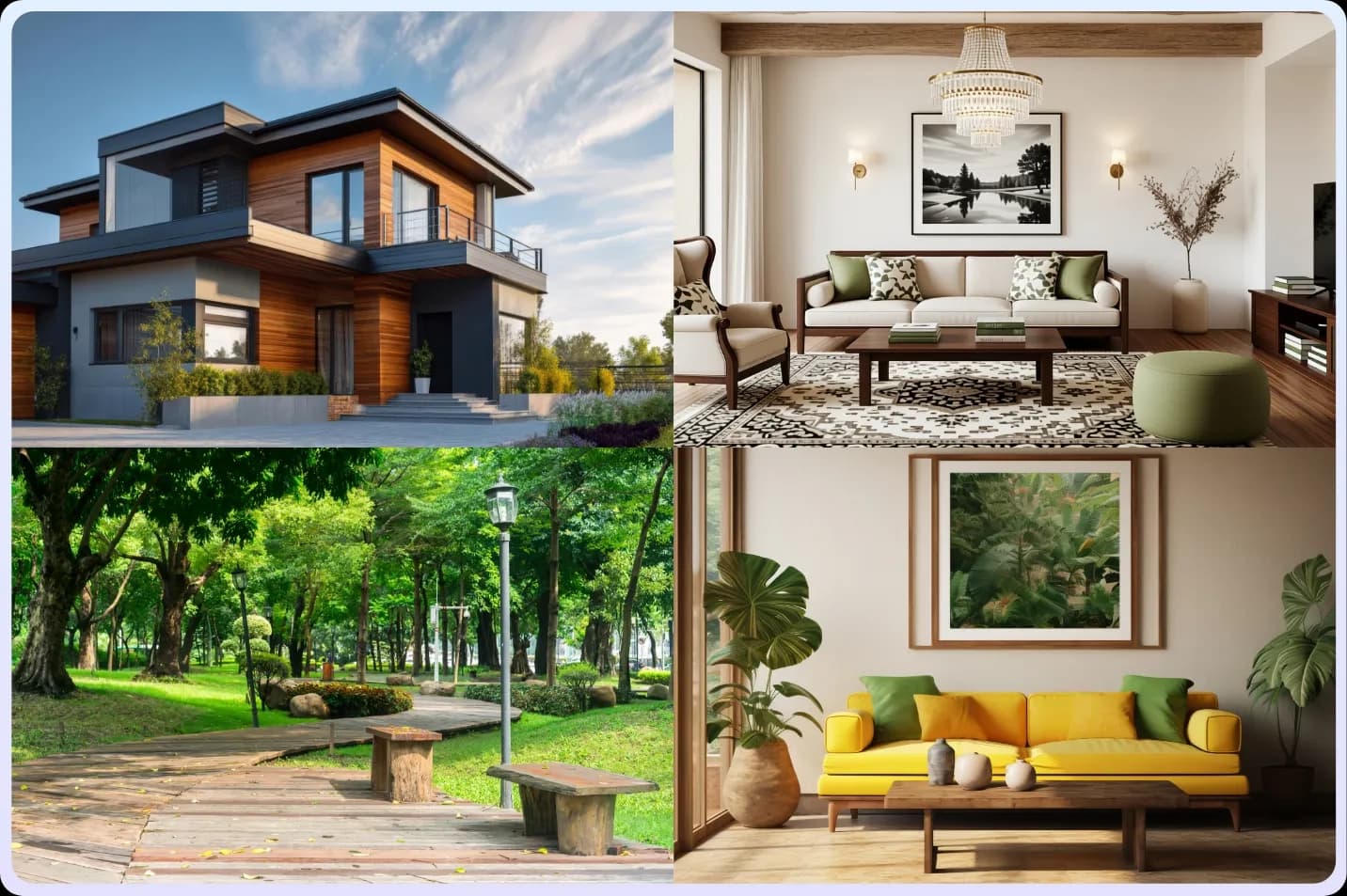
Imagine. Design.
Visualize. Discover.
From Digital Concept to Real-World Execution
Connected to the BuildingWorld Ecosystem
StudioWorld connects AI-powered design visualization with the real-world products and expertise needed to bring a project to life. Once your design is visualized, discover authentic products from brands and dealers on BuildingWorld, and connect with professionals who can help turn your vision into reality.
Start Building Your Dream Space
From Design Vision to Reality
Bring your ideas to life with StudioWorld. Imagine new possibilities. Create and refine your design. Visualize the result. Discover products on BuildingWorld that can bring the look to life.
Frequently Asked Questions
StudioWorld connects inspiration, AI-powered design, and real-world products in three simple steps: Discover. Visualize. Shop.
- 1. Discover — Explore Endless Inspiration
Explore AI-generated interiors, exteriors, landscapes, and architectural concepts across global and Indian design styles, including Kerala and Chettinad. - 2. Visualize — Create, Edit & Perfect
Render, redesign, and reimagine spaces with StudioWorld's AI Vision Tools. Experience precision editing powered by StudioWorld's AI technology and advanced models from Google Gemini and OpenAI. Make targeted changes while preserving your original design intent. - 3. Shop — Bring Your Vision to Life
Connect with BuildingWorld to discover real-world products, brands, dealers, and professionals who can help bring your designs to life.
Yes. StudioWorld works in any modern browser on desktop, tablet, or mobile — no downloads or installs required.
Homeowners, renters, interior designers, architects, builders, and real estate agents all use StudioWorld to explore design ideas quickly.
Yes. You can explore matching and similar products used in your AI-generated designs and find verified suppliers on BuildingWorld. This helps homeowners, architects, interior designers, and businesses find products that match their design ideas.
Yes. You can upload sketches and in-progress construction photos and generate a finished-look visualization.